
TypeScript/JavaScript SDK for OAuth 2.0
This guide introduces the platform’s TypeScript/JavaScript SDK—a powerful tool that automates OAuth 2.0 processes for developers building custom integrations.
You’ll learn how the SDK simplifies token management, supports all public APIs, and integrates seamlessly with your existing development environment.
Key Benefits of the TypeScript/JavaScript SDK
The TypeScript/JavaScript SDK enhances your development workflow by providing automated, secure, and scalable authentication management. This developer-focused tool reduces complexity and allows you to concentrate on building innovative features.
Automated OAuth 2.0 Management
The SDK abstracts the intricate OAuth 2.0 workflow, handling every step from app installation to token maintenance and uninstallation. This automation removes the burden of manual authentication management from your development process.
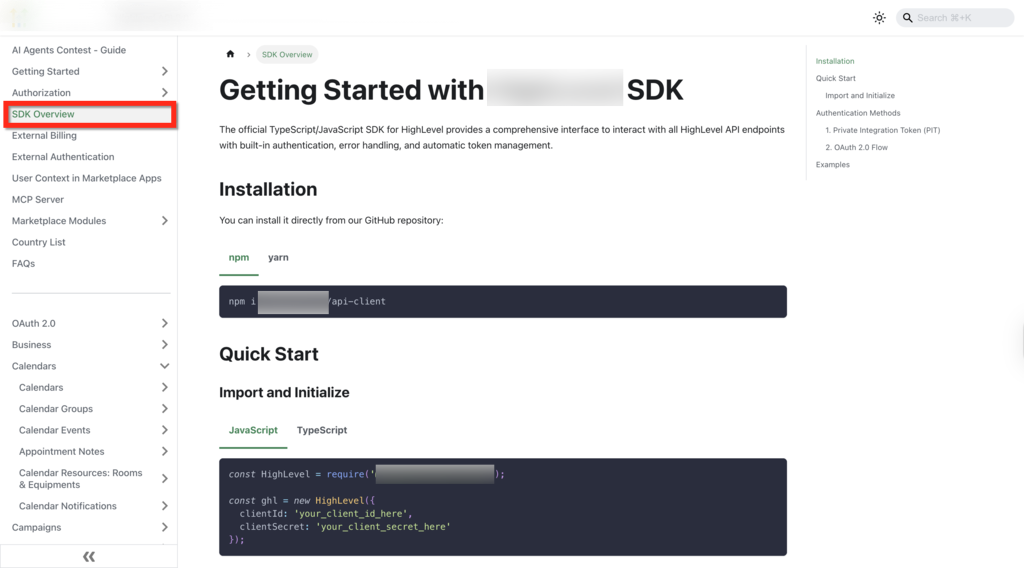
Database-Agnostic Token Management
The SDK’s flexible design allows you to integrate any database for token storage and management, ensuring seamless compatibility with your existing infrastructure. This approach gives you complete control over how and where authentication tokens are stored.
Integration with Public APIs and Embedded Samples
The SDK supports every public API endpoint, with practical code snippets embedded directly in the API documentation. This integration accelerates your implementation and reduces the learning curve for developers new to the platform’s API ecosystem.
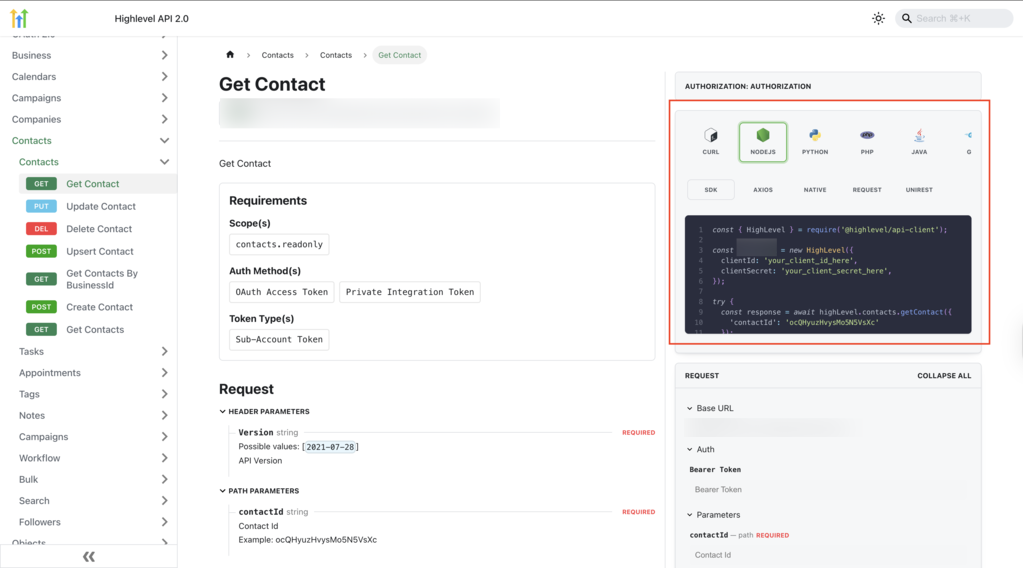
Automated SDK Generation
The SDK evolves alongside the platform’s API offerings through fully automated generation. This ensures continuous alignment with new features and changes without requiring manual updates on your end.
How to Set Up the TypeScript/JavaScript SDK
A streamlined setup process ensures you can quickly integrate automated OAuth 2.0 handling into your projects. Follow these steps to get started.
Run the following command in your terminal:
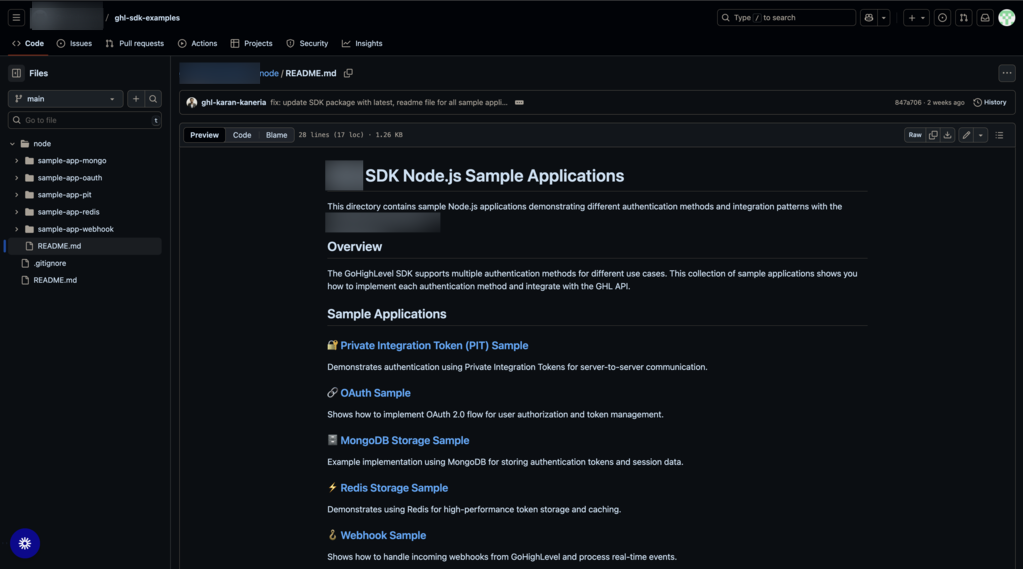
Add the following import statement to your TypeScript or JavaScript file:
Provide your app credentials and redirect URIs. Set the appropriate permissions that align with your application’s requirements.
Connect your database to manage token storage, taking advantage of the SDK’s flexible, database-agnostic design.
Run a test API call using the sample code provided in the documentation to verify that token management and API connectivity work seamlessly.
For advanced configurations and troubleshooting guidance, consult the detailed documentation available in the dedicated SDK repository.
Frequently Asked Questions
Need Help?
If you encounter any issues or have questions about implementing the TypeScript/JavaScript SDK, our support team and developer community are here to assist you.